

Let’s be honest—getting students excited about math isn’t always easy.
But when you tell students they’re about to escape a room instead of complete a worksheet? Everything changes.
Over the years, I’ve used both physical and digital escape rooms in my classroom—and they consistently become one of students’ favorite activities. Even my high school students (yes, even Calculus!) get completely into it.
If you’ve been curious about using escape rooms—or even creating your own—here’s exactly how they work and how to get started.
🧠 What Is a Digital Math Escape Room?
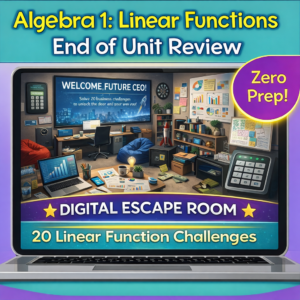
A digital escape room is a series of math problems or challenges that students must solve in order to “unlock” clues and eventually escape.
They:
- Increase engagement
- Encourage collaboration
- Turn practice into a challenge
- Work great for review or skill reinforcement
Instead of:
👉 “Complete this worksheet”
Students hear:
👉 “Solve this to unlock the next clue”
That shift alone makes a huge difference.
Digital escape rooms are often built using tools like Google Slides or Google Sites, with a Google Form acting as the “lock” where students enter their answers.
🎯 Best Topics for Escape Rooms
- Skills students tend to struggle with
- Review before tests
- Cumulative practice
- Factoring quadratics
- Solving equations
- Trigonometry
- Logarithms
- Derivatives
If you want to try making your own, here’s a simple starting point:
1. Choose a Theme
This makes a HUGE difference.
Ideas:
- Haunted house (perfect for fall 👀)
- Locked classroom
- Mystery museum
- Spy mission
Start with a background image and build your scene.
Then:
- Add clickable objects
- Hide clues in the image
- Link objects to problems
- A math problem
- A riddle
- A short set of questions
- Enter answers
- Unlock the next step
- “Escape” when complete
- Designing a flow
- Building a story
- Creating visuals
- Testing links and logic
- Review before a test
- End-of-unit activity
- Stations/centers
- Homework
- Group competition day
- AFTER testing to keep kids engaged
- Promote collaboration
- Encourage problem-solving
- Break up routine instruction
- Increase engagement
- Reinforce key skills
- Make math feel fun again

Escape rooms are so fun! I was so overwhelmed last year that I completely forgot about them. Thanks for all this great info!
Digital escape rooms are so much fun! My students always love them! Thanks so much for the awesome tips! 🙂